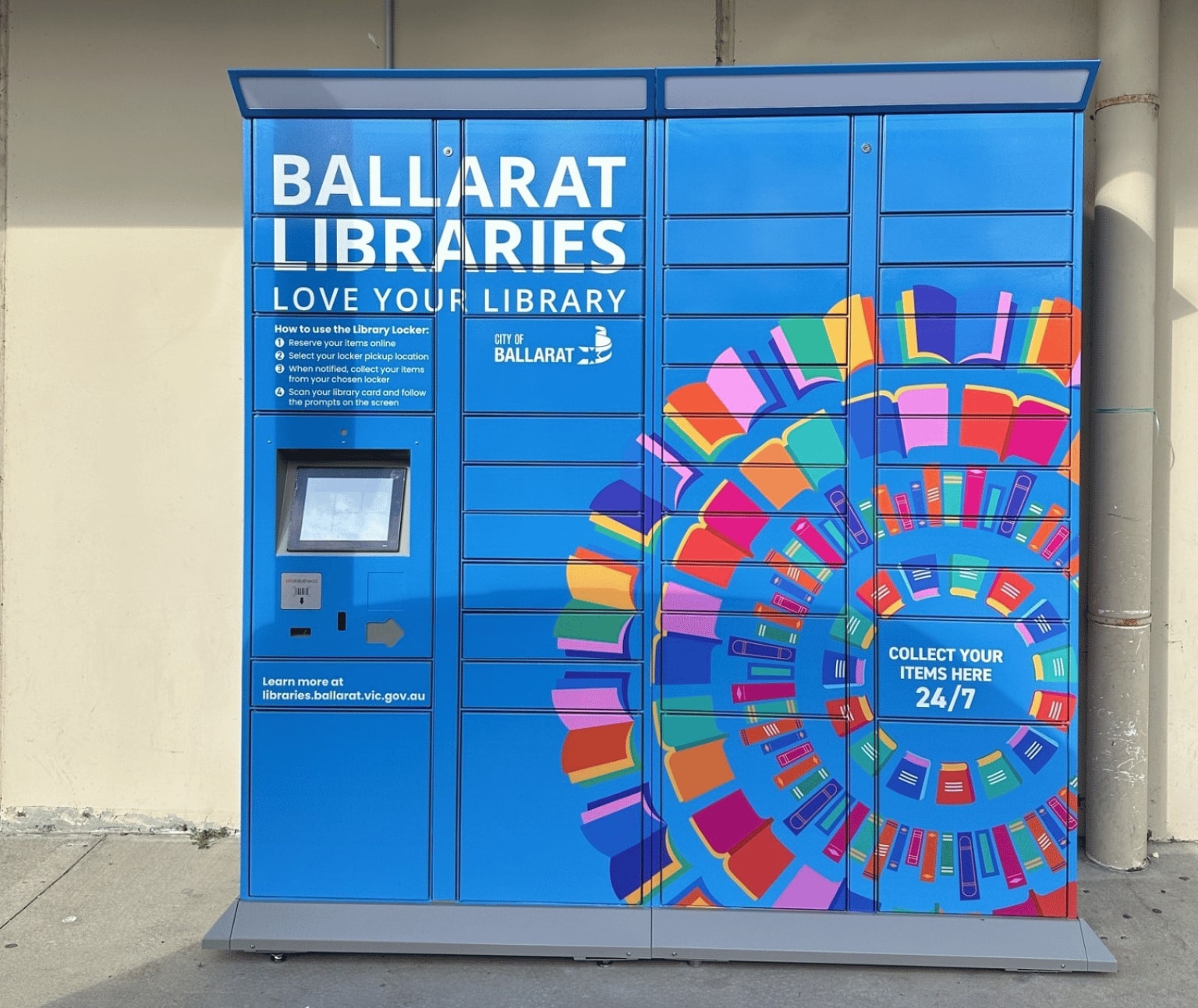
Library lockers are a self-service option allowing 24/7 access to collect library items placed on hold.
Using the Library Lockers
Reserving items
You must be a library member to use the library lockers. Join the library and collect your library card from Ballarat, Sebastopol or Wendouree Library.
Search our online catalogue and place the item(s) you would like to borrow on hold.
Choose your preferred library locker as the pick-up location.
Collecting items
You will receive an SMS or email notification once your item is ready to collect. Items must be collected within two weeks of receiving the notification.
At the locker, press the collect button and scan the barcode on the back of your library card or in the Libraries Victoria app.
Collect your item(s) from the locker. The item(s) will be automatically issued to your account.
Returning items
At the locker, press the return button and scan the library barcode of the item you want to return. The barcode is a on sticker, not printed onto the book (see pictured below).
A locker will open for you to place your item in.
Items returned to a locker may take up to a week to be removed from your account.
Items borrowed from any Central Highlands Libraries location can be returned to the lockers. You can also return items at any Central Highlands Libraries branch.